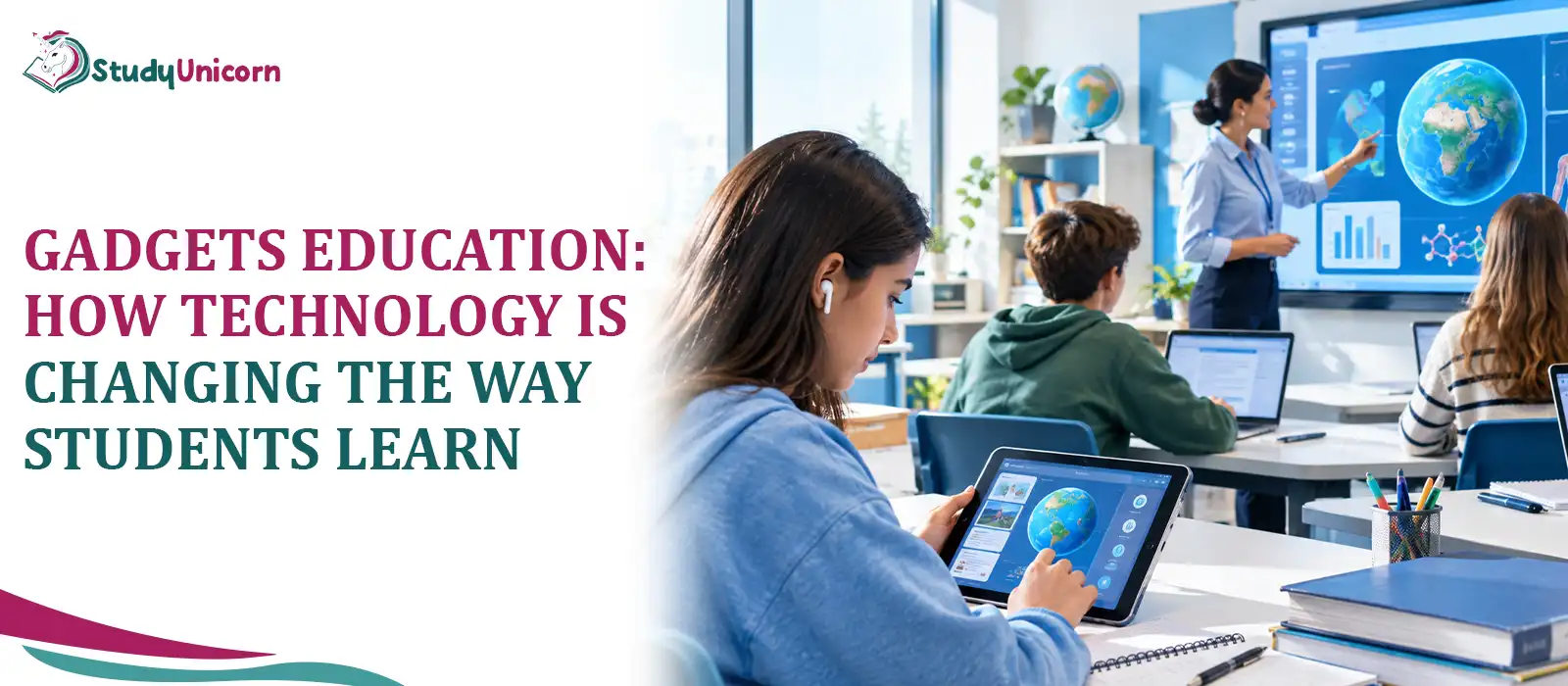
In this digital era, educators and parents face constant pressure to select the technology that uplifts the educational performance of students. And this is exactly where terms such as gadget education come into the picture. There is no double thought to think that it actively supports classroom goals rather than creating digital distractions. But students are surrounded by devices like tablets, laptops, and interactive whiteboards are and selecting the right tools demands practical clarity instead of technical jargon.
Hence, this practical guide exist that removes the uncertainty by providing direct comparisons of top-performing technology that plays a heavy role in gadget education in this era. And by the end of this blog, you will find clear recommendations organized by budget, durability, and subject area for educational gadgets.
What Is Gadgets Education?
To get to the bottom of gadgets education, one must focus on the physical hardware rather than the software apps. Modern learning environments require specialized hardware to transform passive lectures into interactive learning sessions.
In other words, gadgets education refers to the utilization of physical digital devices, intelligent solutions, and interactive hardware to facilitate everyday teaching and learning processes. It embraces any equipment from student's tablets and e-books to smart pens and large wall displays.
Here's how education through gadgets distinguishes from the wider educational technology term:
Gadgets Education: The concrete physical hardware used by teachers and students on daily basis.
Educational Technology: The entire umbrella concept including software platforms, gradebooks, portals for schools, and digital lessons.
Thus, Google Classroom can be considered educational technology while the physical tablet used by a student to access it will become educational gadget.
Why Gadgets Education Trend Is Growing So Fast?
Rapidly growing use of educational hardware can be attributed to growing needs of the classes and changes in family life.
Due to the necessity to combine both in-classroom lessons and online homework, children require constant access to educational resources no matter where they are. Thanks to devices, it is now possible for students to check their notes from home, learn at one's own speed and not be overwhelmed by complex subjects. Additionally, cheaper hardware and fast Internet allowed school districts to equip all grades with personal screens.
Types of Educational Gadgets Shaping Modern Classrooms
Modern classrooms rely on different types of electronic devices developed for specific purposes and suited well for young and adult children.
Learning Tools For Interaction (Tablets & Smartboards)
Multimedia screens are the main working area of current-day classrooms. They have replaced plain boards with vibrant large format displays.
Interactive Whiteboards: these devices consist of touch-screen displays that are capable of presenting various types of digital material, and students and teachers may draw live as well; the latter can even store the notes that have been annotated directly to students' accounts.
Document Cameras: Document cameras can show objects, pages from a book, or scientific experiments on a central screen so every student can see everything the instructor is demonstrating.
Student Tablets: These are handheld devices with a touch-sensitive screen that enables students to write, read the articles they are assigned to, and engage in various educational games on top of handing in electronic work from their own spot.
Wearable & Portable Study Tools (Smart Pens, E-Readers, Smartwatches)
Students use personal portable study tools to plan study time and handle their after-school homework.
- Smart Pens: A type of pen used to write with that records the ambient sound of a lecture and also attaches the sound and writing together so that when you touch or tap any part of your note you get played back the exact moment of the recording.
- E-Readers: These screens, which can reflect less light, have been more exactly crafted for reading activities. Students can literally carry thousands of textbooks on them since they are free from web distractions.
- Learning Smartwatches: Small and simple wearable time pieces that will notify students about class changes as well as track study intervals without exposing students' smartphones for the whole day temptation.
AI-Powered Learning Companions (Chatbots & Voice Tutors)
Smart audio tools, allow teachers to give their students immediate support if they see that teachers are occupied with other students for now.
AI-powered Study Apps: Smart technology that checks students\' homework, finds recurring mistakes in math or grammar, and offers customized questions to reinforce learning immediately.
Voice-Assisted Learning: Studnets can work out a private place to be comfortable in by using a voice-activated app to talk with their tutor, get the vocab they need, and do their pronunciation well.
Adaptive Practice Systems: These are intelligent digital programs that adjust the difficulty level of the exercises based on the results of the students, so that the students are fully confident in their fundamental skills before they learn something new.
Immersive Tech: AR and VR in Learning
Spatial technology changes two-dimensional textbook pictures into fully interactive 3D experiences. VR Headsets
VR Headsets: Virtual reality gadgets that immerse students into the field trip experience: from being able to walk around ancient ruins to being able to dive deep into ocean environments via virtual reality. AR applications
AR Application: Augmented reality software can display 3-dimensional models superimposed on paper. It enables the students to physically move these 3D objects like molecules and human organ models on their desk without being in any special kind of space.
Hardware Comparison Matrix for Every Type of Gadget Education
Picking the right classroom gear means matching key features against everyday study needs.
| Gadget Category | Primary Use | Core Advantage | Main Limitation | Target Age |
| Tablets | Reading, interactive worksheets | Highly versatile and portable | Distraction potential | K-12, College |
| Smartboards | Whole-class presentation | Shared touchscreen control | High purchase cost | K-12 |
| Smart Pens | Note-taking, lecture audio | Links handwriting to audio | Requires special paper | High School, College |
| E-Readers | Reading digital textbooks | Distraction-free, low eye strain | Monochromatic screen | Middle School to College |
| VR/AR Headsets | 3D simulations, virtual labs | High visual engagement | High cost, motion risk | Middle School to College |
Key Benefits of Using Gadgets in Education
Introducing hardware into classrooms is another way we can expand the possibilities for teaching and learning that just isn't available with our existing paper resources.
Personalized, Adaptive Learning Paths
Individual pacing: when students are on their own devices and interacting with adaptive curriculum, lessons are tailored to their specific need. A student who is stuck on basic fractions receives more repetitions and clues. A student who has mastered the basics promptly proceeds to more advanced algebra.
Higher Engagement and Better Retention
Interactive screens, flashy images and tactile equipment catch student attention. Dynamic images on screen or manipulating concepts live at the local level helps students absorb complex facts A lot longer than working through a dull page of plain text.
Access to Global Learning Resources
By connecting to high-speed internet, devices eliminate the restrictions of geography. Students from tiny rural communities are able to browse rare historical archives and international research repositories and stream video lectures just as easily as their peers in larger urban areas.
Building Digital-Age Skills Early
Hands-on creation through computers, apps, and digital files daily addresses tech fear by building natural accommodations. Walking before reaching leads to all future research in college, and all modern employment.
How Gadgets are Used Inside Today's Classroom?
If we examine normal school days, it reveals how hardware can be seamlessly integrated into everyday teaching routines.
Blended and Hybrid Learning Models
A teacher first uses daily oral instructions, and then employs digital tasks. The lesson leader explains, for instance, key lessons for fifteen minutes before instructing the students to switch on the tablet to complete digital activities or to pause a video to receive theoretical details or form an answer.
Real-Time Quizzes, Polls, and Feedback Tools
Teachers also monitor comprehension via student screens. Students can be quickly polled with some quick exit questions distributed on student tablets to get an immediate report on whether a student understood the concept and where they need additional help.
Collaborative Projects Using Shared Tech
Group work is a lot easier with shared laptops and tablets. Collaborate on assignments, co-author reports, update presentation slides simultaneously, and add comments on each other's work all from within a shared file.
Challenges and Drawbacks of Educational Gadgets
Incorporating technology within schools will be most effective if school districts face head-on the actual challenges like expenses, health worries, and data security.
Costs and the Digital Access Divide
Purchasing gadgets, repairing broken components, ensuring stable campus Wi-Fi, and maintaining devices - these all are very costly. Poorly funded districts may not have enough to keep their hardware up - to - date, some children could lose the opportunity of using tech at home as a result.
Excess screen Time and its effect on Concentration
Being on the screen for very long a period can damage eyes and leave one exhausted. And, if students have free roam on internet browsers, messengers, and games and no rules of using the screen are put in place, students can get lost and distract them completely while doing quiet work.
Protection of personal data and Risk of Cyberbullying
Campus gadgets, for example notebooks phones tablets etc. contain personal data of students like school record, attendance, and search history. As a result, school boards should set up protected and secured Wi-Fi networks, and impose strict data privacy rules to ensure student health and prevent unauthorised data collecting.
Nature of Educators and Lack of Technical Skills
Procuring highly sophisticated devices without giving teachers adequate training would lead to chaos and waste of money. It is very important for teachers to be given practical training and support to get them comfortable with their new technology so that they can effectively include it in their teaching. Teachers need to have hands-on experience to learn how best to integrate new equipment into a lesson.
How to Choose the Right Educational Gadgets
Getting the right study gear really just means matching good build quality and software support against your budget.
Factors to Consider Before Purchase
It is more practical and economic to consider durability, everyday usefulness and battery life of the product first before buying expensive extras:
Age and Grade Level
Small children need very tough, drop-proof devices with rubber cushioning to protect the device if it is dropped or falls. On the other, students who have to write more papers and do more reading will need a regular physical keyboard, not some sort keyboard with limited keys, etc.
Curriculum Compatibility
Make sure to check that device's operating system works fine with the exact software, learning apps, and portals that your school is using.
Battery Life and Build Quality
Opt for devices with batteries that will last the whole school day - between 8 to 10 hours - and also those with strong, drop-resistant cases.
Offline Functionality
Select a device that kids can use to save lessons and complete tasks even when internet at home is slow or cuts out.
Budget-Friendly vs. Premium Picks
Economic e-readers and entry-level tablets are perfect for consuming digital textbooks, checking out reference sites, and doing brief quizzes without spending much money.
In contrast, intensive activities like software programming, graphic designing, mechanical modeling, or video editing are best done with powerful laptops and top-notch digital styluses.
The Future of Gadgets Education: What's Next
Classroom technologies are evolving constantly to offer teachers and students greater insights into student learning and shared digital platforms.
AI Tutors and Predictive Learning Analytics
Modern learning resources will monitor students while they study their materials. These intelligent assistants will inform their teachers of students' difficulties with certain types of questions or problems, which will let an instructor reach out even before the test day.
Metaverse and Extended-Reality Classrooms
A new generation of common digital environments will enable students from different cities or even countries to come out online as in a classroom. Through this system, group learners can do experiments in labs together, speaking a foreign language, and visiting various historical spots by being immersed simultaneously in virtual environments.
Conclusion
Gadget education is a term that redefine learning and keeps on evolving through lot of ways such as students get information, work on group assignments, and even get ready for a job. Although physical devices can definitely speed up studies on top of making it more fun and providing access to more resources, the limits of the screen, the price of gadgets, and the issues of privacy have to be handled carefully by the parents and teachers. Thoughtful use of the education gadgets make them just an extra tool that adds to and supports very good teaching.
So which educational gadget has made the most change in your own study routine or learning environment at the classroom?
 $10/page :